
Short Answer
Green EdTech Virtual School provides a structured online learning model that parents can evaluate by reviewing its teaching methods, academic support, digital resources, and student progress monitoring.
Introduction
Choosing an online school involves more than accessing lessons on a screen. Parents need to understand how classes are delivered, where learning materials are stored, how students communicate with teachers, and how academic progress is monitored. This guide explains how Green EdTech Virtual School describes its online learning model and what parents should check before enrolling their children.
Green EdTech offers online school programs from preschool to Grade 12, along with O Level and A Level pathways. Its educational model highlights live classes, academic guidance, and digital learning resources, including Islamic Studies and Tarbiyah. Understanding these features can help families assess whether the school’s programmes align with their children’s educational needs and learning goals.
What Is a Green EdTech Virtual School?
A virtual school provides lessons and learning opportunities through online tools, allowing students to study without travelling to a physical school every day. The way it works can be different depending on the program, the schedule, the way the teaching is done, and the support that is available. [About GreenEdTech | Empowering Modern Education]
The Green EdTech website talks about learning options that have preschool level studies and choices for O and A Levels. Their information about signing up also mentions things like classes that students can take part in, help from teachers, an online library, and a focus on school subjects along with lessons about good behavior and strong character.
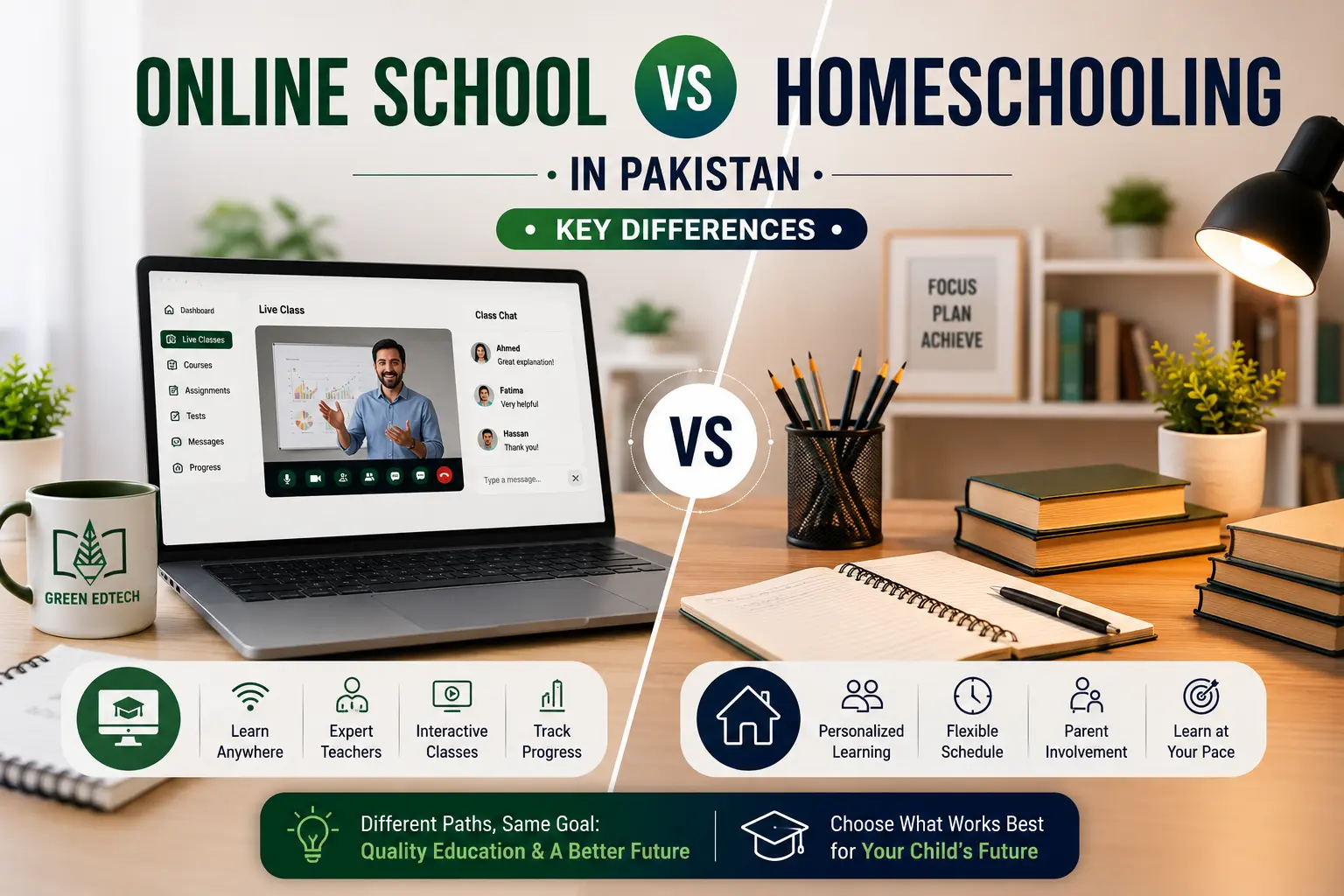
Parents should know that virtual schooling is not the same as homeschooling on your own. In an online school program, the school might offer a set of lessons, teachers, assignments, and a place to keep track of the work. Muslim Families should check what the program includes because the schedule and support can differ.
How Does Green EdTech Virtual Schooling Work?
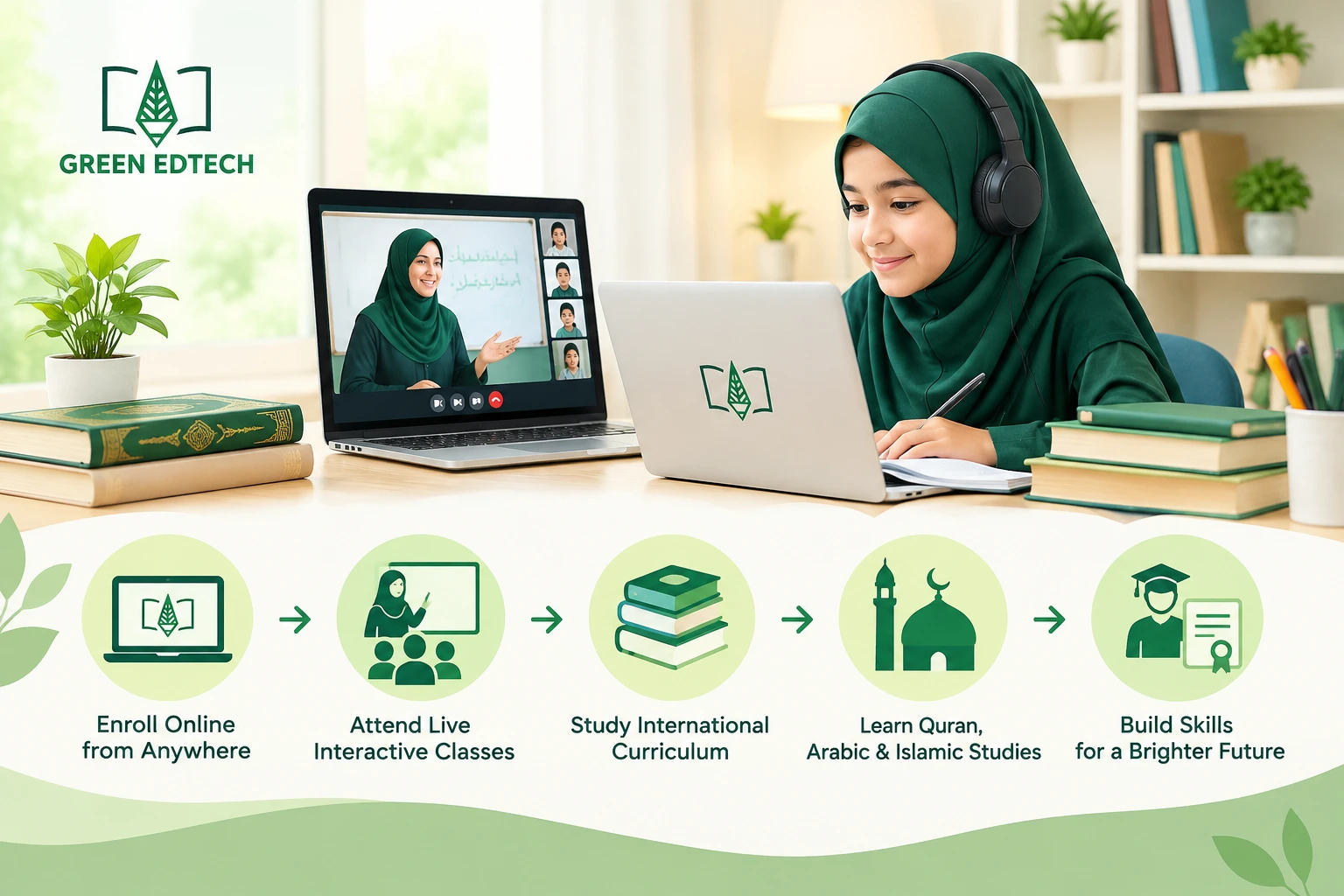
The process is easiest to understand in steps: choosing a programme, joining classes, accessing materials, completing tasks, and reviewing progress.
1. Students begin with a suitable programme
The first step is to find the programme and level that fits the student’s age, past schooling, and academic goals. Green Ed Tech offers programmes for school levels as well as O/A Level pathways. Before enrolling, families should confirm details like the curriculum, available subjects, entry requirements, class timings, assessment arrangements, and how students can progress through the programme.
Contact the school to confirm the curriculum, subject choices, entry requirements, class schedule, assessments, and progression options. You can also review the school’s enrollment form and admission information before registering online.
2. Classes and teacher interaction take place online
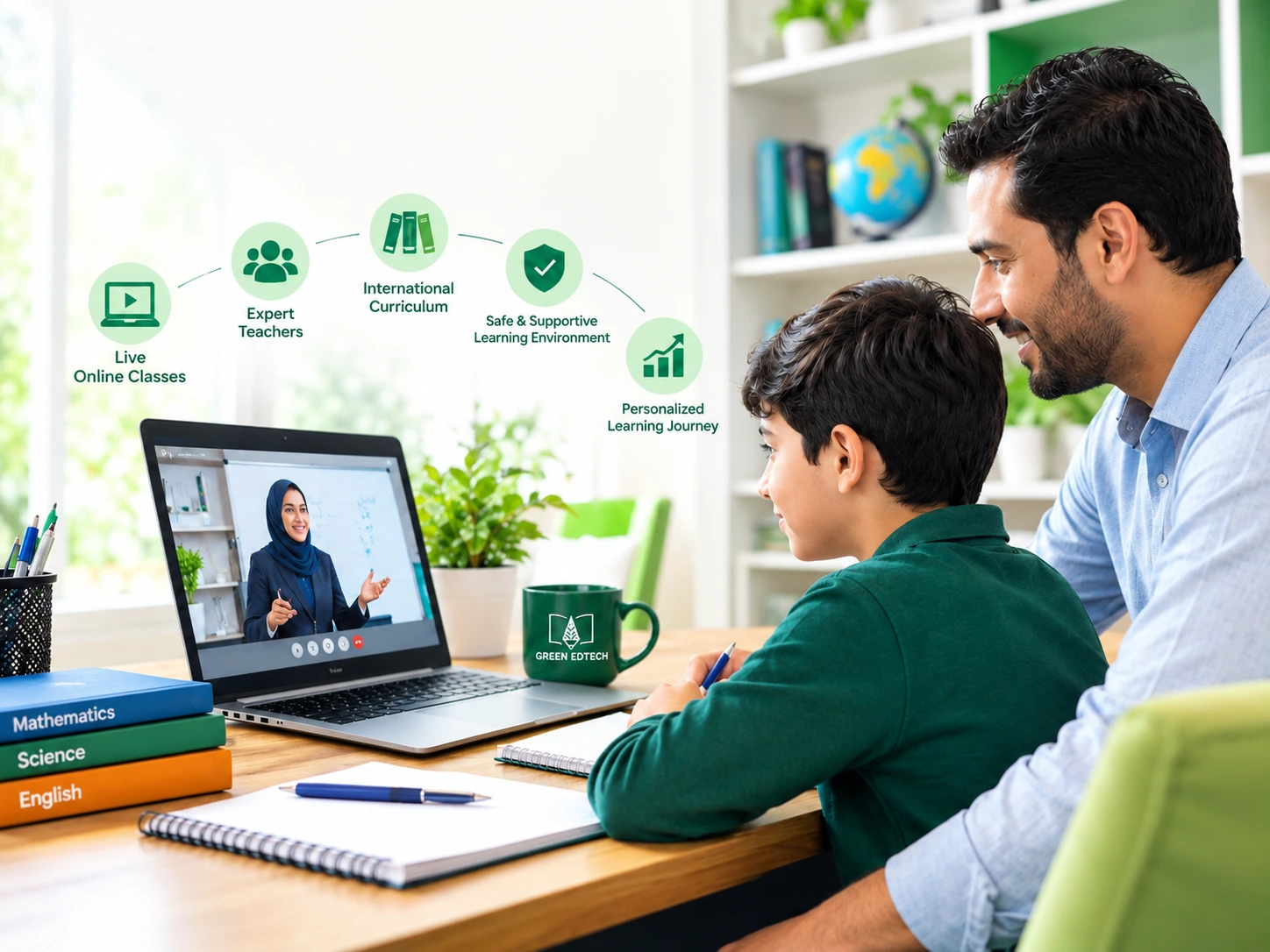
The GreenEdTech enrollment page highlights live classes and teacher support. Families should ask questions such as: when are the live sessions scheduled, how can students ask questions during class, and what kind of help is available if a student misses a lesson or struggles with a topic? Parents should review the timetable and communication plan for their child’s programme. They should not assume all courses follow the schedule or support style.
3. Learning materials are organized through digital resources
GreenEdTech virtual library provides digital learning resources such as recorded lessons, presentations, assignments, and course book PDFs for students across Grades 1–12 and O Level and A Level pathways. The exact resources available may differ depending on the student’s grade and programme. These materials let students revisit course content, review instructions, and prepare for tasks while attending scheduled classes.
For students, a sensible routine is to check the LMS for the day’s lesson or task, write down deadlines, and revisit relevant course materials when studying. Parents can help younger learners develop this habit. Older students can gradually take responsibility for organizing their study resources.
4. Students complete assignments and review feedback
Digital learning does not remove the need for practice. Students may still need to complete homework, submit assignments, prepare for assessments, and respond to teacher feedback. Green Ed Tech Learning Management System (LMS): The page shows features related to classes, recordings, homework, grading, progress, and communication among students, parents, and teachers. Families should check how each feature is used in the child’s programme.
5. How Can Parents Monitor Student Progress?
A parent’s role in a virtual school is not necessarily to teach every lesson. Instead, parents can help set up a study routine, check whether homework is done, spot areas where the child might need more help, and talk with teachers when something is unclear. LMS information talks about progress features, grading, and parent involvement.
The school process for sharing progress and teacher feedback is another detail to clarify before enrollment. Before enrolling, ask how parents can access progress reports, how often teachers provide updates, and whom to contact when a student needs additional academic support.
What Does Virtual Learning Look Like at Different Ages?
The amount of independence that is expected from a student should match the child’s age and the stage of learning that the child is in. A preschooler will usually need more help from adults with routines and activities than a teenager who can handle a timetable and assignments on their own. The school’s expectations and the family’s schedule should therefore be talked about before enrollment.
For preschool learners
Green Ed Tech preschool programs describe learning activities such as games, stories, drawing, coloring, and role play, and refer to a Montessori syllabus. Families may also want to know how activities are shown online, what kind of help is needed at home, how teachers work with children, and how caregivers should help with activities between sessions.
For children, parents may need to help open the right lesson, get the materials ready, and help with moving from one activity to another. Ask the school how long each session is, what it means to take part, and what to do if a child needs a break or more help.
For school-age students and O/A Level learners
For students, the main thing to think about is how much they are expected to handle subjects, assignments, revision, and tests on their own. Parents should therefore look at the subjects offered, the way exams are done, the schedule, and the help that is available for the grade they want to join.
What Do Students and Parents Need to Get Started?
Before classes start, make sure to check the basics with the virtual school. A good internet connection and a good device might be needed to take part in lessons, and a quiet place can help students stay focused. These are things to think about, and every family will have different setups. UNESCO’s work on education also says that technology should be considered along with access and how teaching and learning happen. [UNESCO digital education guidance]
Use this list when you are signing up:
- Make sure you know the program the school plans, the subjects, and the schedule for classes.
- Ask what kind of device, browser, internet connection, or software students need.
- Find out where live classes, recordings, assignments, and school materials are found.
- Check how attendance, homework, grades, and progress are kept track of.
- Ask how students talk to teachers and how parents get updates.
- Make sure you understand the way tests are done, the help available, and what comes next.
What Should Parents Check When Considering an International Online School?
Parents who are thinking about an online virtual school should look past the name and make sure the program fits their child’s learning needs and future goals. Important things to consider are the subjects taught, how students are tested, the help from teachers when classes are held, the materials used, the online learning system, and how progress is tracked.
How parents are kept informed. Parents can also look at the GreenEdTech guide on why parents prefer international schooling online to learn more about some of the things families should think about when choosing this kind of education. Before signing up, families should ask the virtual school directly about the program details, the paths to getting qualifications, and the support that’s available.
A Simple Weekly Routine for Students and Parents
The exact schedule depends on the program. These steps can help families get a better idea and plan their work around Green Ed Tech published digital learning tools.
| Stage | Student’s task | Parent’s role |
| Before class | Check the timetable and open the relevant lesson or resource. | Help younger learners prepare their device and any activity materials. |
| During the lesson | Join the scheduled class and ask for help when something is unclear. | Make sure the child can participate; check with the school about its support arrangements. |
| After class | Review the lesson materials and note any assigned work or deadlines. | Help establish a routine without taking over the student’s work. |
| Assignment and feedback | Complete tasks and review teacher feedback or grades where available. | Use the school’s stated progress tools and contact the teacher if guidance is needed. |
Frequently Asked Questions
Green EdTech Virtual School offers flexible online education with international academic programs, live classes, and Islamic Studies, helping students learn from home while developing academic skills and strong values.
Q1. How does Green EdTech Virtual School work?
Green EdTech explains a learning environment that offers programme choices, live interactive classes, support from teachers, an E‑Library and a learning management system. Free demo class: Parents can look at the learning experience through a preview before choosing a programme, if a preview is offered.
Green Ed Tech says that the exact timetable, learning materials, and assessment plans vary with each programme, so you should confirm all details with the virtual school.
Q2. Can students access lessons and study materials later?
E‑Library page shows recorded lessons, presentations, assignments, and PDF copies of course books. Virtual School recommends asking the school which materials are available for your child’s grade level and how long those materials stay online.
Q3. How can parents monitor progress?
GreenEdTech LMS page outlines how to see progress and grades, and how parents can get involved to advise on confirming how to view progress reports and how teachers will share concerns or next steps.
Q4. What does Green Ed Tech offer preschool learners?
Its preschool page lists games, stories, drawing, coloring, role play, and a Montessori syllabus. Parents should ask how the activities are given and what kind of help from adults is needed at home.
Q5. Is virtual schooling suitable for every child?
There isn’t one answer for every family. Whether it’s a fit depends on the child’s way of learning, the way the program teaches and supports, how easy it is to get technology, and how well the family can create a daily routine. Talk about these things with the virtual school before enrolling the child.
Parents’ Review of Green EdTech Virtual School
“Green EdTech offers world-class and fun classes with a great online learning experience. They have homeschooling programs, Pearson Edexcel certification, and Islamic Studies. A friend of mine suggested Green Ed Tech for my daughter. She joined their online classes in 2023. She got a certificate that is recognized around the world. Definitely worth trying for anyone looking for an international online school.”
— Janelle Rodriguez
Source: View the original review on Google Maps
Final Thoughts
Understanding how a virtual school works means looking past the words ” classes.” Parents should find out how lessons are given, where learning materials are kept, how assignments and progress are handled, and how teachers and families talk to each other. Green Ed Tech shared details that show classes, teacher help, an E-Library with learning materials, a preschool program with hands-on activities, and an LMS with features for classes, homework, and tracking progress. Together, these features help explain how Green EdTech online learning model is structured.
For Muslim families considering Green ed-tech for homeschooling, it is also important to understand the difference between a school-supported programme and learning that is managed primarily by parents. The level of teacher involvement, student independence, academic support, and parent responsibility can vary by programme. By confirming programme details and understanding the school’s expectations for students and parents, families can make a more informed decision about whether its virtual school pathway fits the child’s age, curriculum needs, and daily routine.
Key Takeaway
Before choosing Green EdTech Virtual School, parents should evaluate the curriculum, class schedule, teacher interaction, digital resources, assessment methods, and student progress tracking. They should also consider their child’s age, learning style, and need for parental support to determine whether virtual schooling is the right fit for their family.
Sources
Green EdTech Virtual School — Information about Green Ed Tech online K–12 schooling model, live interactive classes, flexible schedules, home-based learning, qualified teachers, academic guidance, and internationally recognized academic pathways.
About GreenEdTech | Empowering Modern Education — Official overview of GreenEdTech virtual school, including its educational vision, online international school model, faith-based education approach, and technology-enabled learning environment. Describes itself as a K–12 online school serving students globally.
Green Ed Tech Enrollment and Admission — Programme options, admission process, live interactive classes, teacher support, and onboarding information.
Green Ed Tech Free Demo Class — Information about the free demo/trial class and how prospective students and parents can explore the online learning experience.
GreenEdTech E-Library — Recorded lessons, presentations, assignments, course book PDFs, interactive activities, and other learning resources for students in Grades one through twelve and O/A Level learners.
GreenEdTech Learning Management System (LMS) — Information about classes, recordings, homework, assignments, grading, progress tracking, parental monitoring, and teacher support.
Green Ed Tech Preschool Programme — Preschool learning. Montessori syllabus information.
Green Ed Tech O Level and A Level Programmes — Information about IGCSE O Level and IAL A Level pathways.
GreenEdTech Islamic Studies and Tarbiyah — Information about Islamic Studies, Tarbiyah and values‑based education.
UNESCO Digital Education — Information about education, the availability of technology, places where people learn, and the conditions under which teaching and learning happen.
